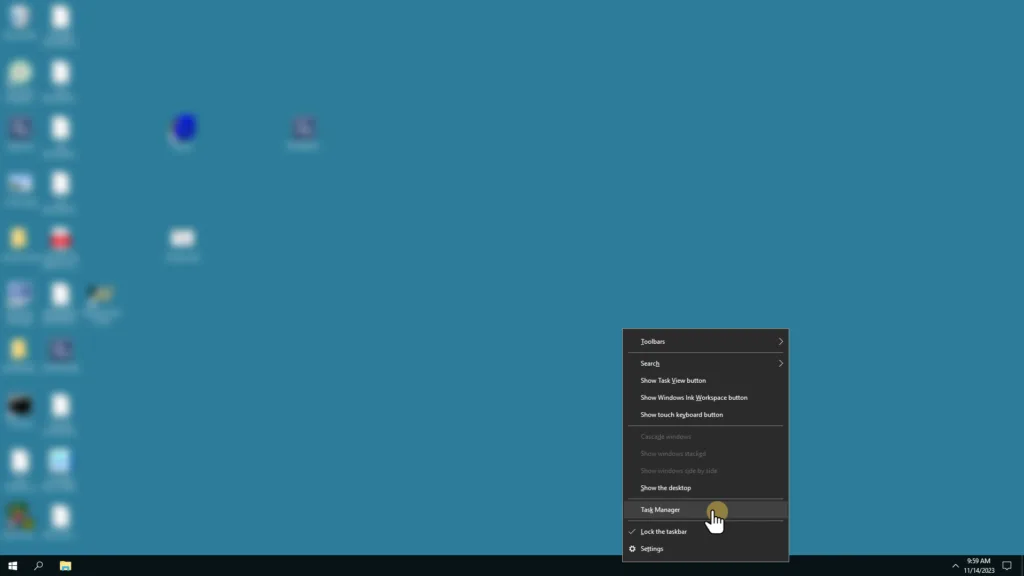
Right Click on Taskbar on the bottom of the screen and select Task Manager
In Task Manager under the Users Tab, right-click on any column header.
Under the submenu, select ID.
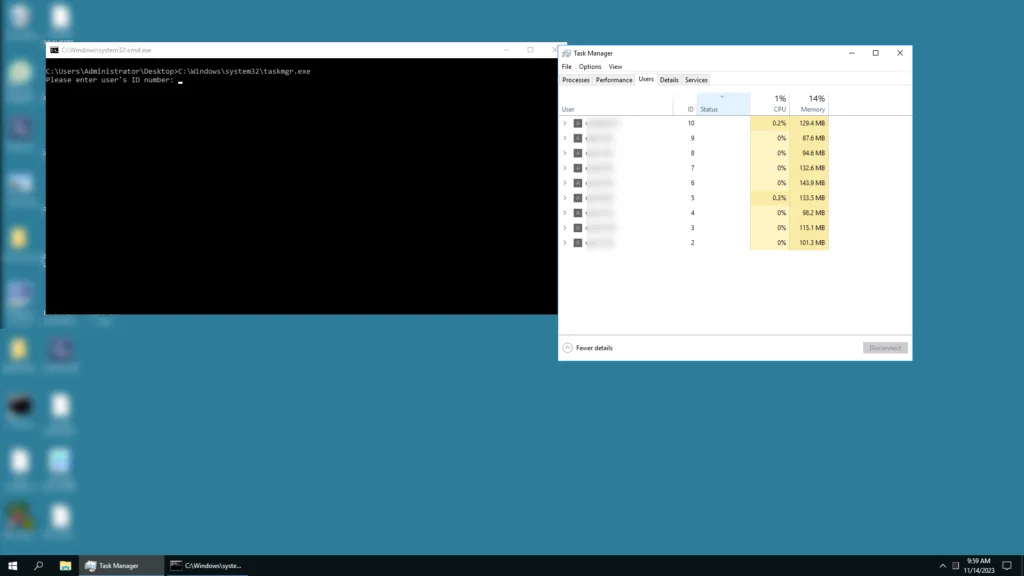
Now that you have your ID column in your Users Tab, find the user you are interested in shadowing and make a note of their ID.
Double-click on the supplied Shadow.bat batch file.
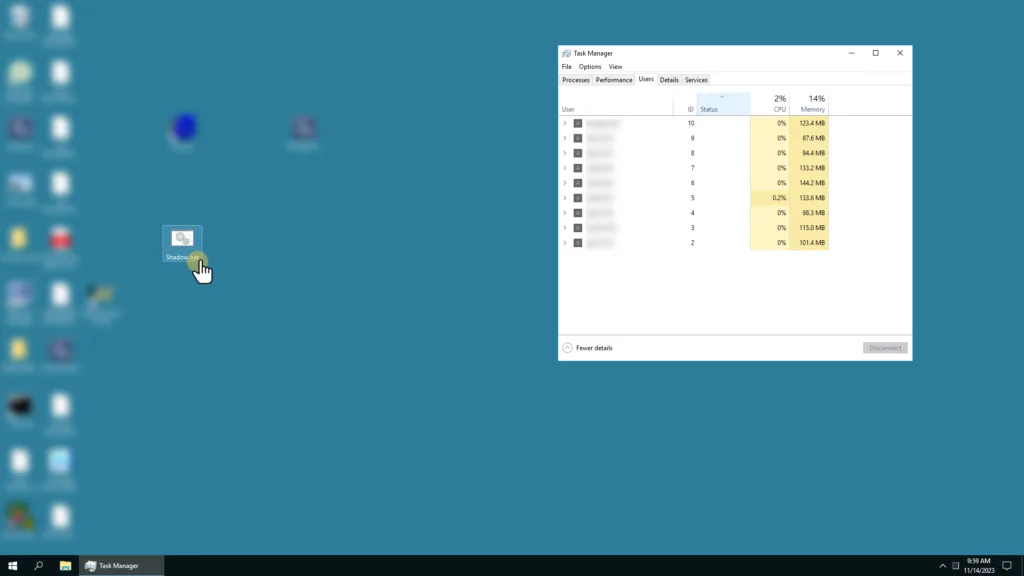
Opening that batch file will run a script and will ask you for an ID for the session you want to connect to/shadow.
After you type the session ID, press Enter. It will prompt the user you are connecting to to accept the shadow request.
About this article: This is part of WinSale's free knowledge base. WinSale is a point-of-sale system built specifically for independent shoe and safetywear retailers — 10M+ UPC database, industrial account invoicing, mobile shoe truck support, no per-transaction fees. See if it's a fit for your store →


