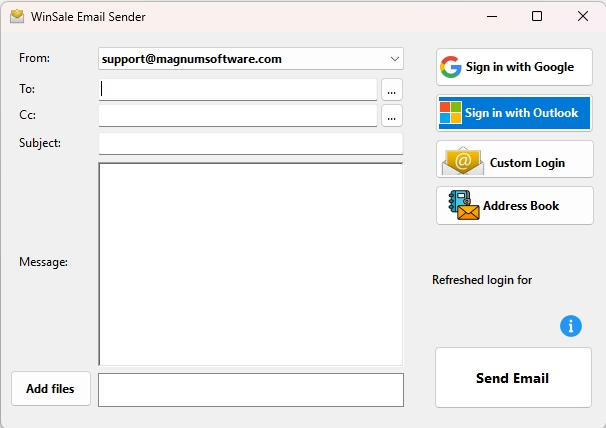
Every email button in WinSale from invoices, statements, order confirmations to purchase orders and copies of sales receipts now send through the new WinSale Email Client. There’s nothing new to learn and nothing new to click. The buttons are where they’ve always been; what’s changed is the engine behind them.
The biggest difference is that mail now goes out from your own store address. Sign in once with Gmail, Outlook / Office 365, or your own mail server, and your customers see the address they already recognize instead of a generic system sender. Shops running more than one address — sales, service, accounts receivable — can set up as many as they need and choose the right one from a dropdown before sending. A shared address book lives with your WinSale data, so every workstation in the store sees the same recipient list, suggests addresses as your clerks type, and remembers anyone you’ve emailed before. Attaching a spec sheet, a signed receipt, or a photo is a drag-and-drop away.
It’s included with WinSale at no additional cost, like every other WinSale enhancement. Contact WinSale support to get it turned on at your location.