Major accounts buy in volume, and they ask questions a single receipt cannot answer. Which employees bought what, on which invoice, and what did each invoice total? The new Employee History by Invoice report in WinSale answers exactly that, and it now runs across every major account at once.
Why employer-billed accounts need this view
When you bill an employer for the safety footwear their crew buys, the employer is not looking at one sale. They are looking at a month of activity spread across dozens of employees and just as many invoices. The question on their end is always some version of the same thing: who bought, what did it cost, and does the invoice total match what we are being billed.
A report organized by employee alone does not settle that. Neither does a stack of individual receipts. What an industrial account actually needs is the activity grouped the way it gets paid for, by invoice, with a clear total at the end of each one.
What the report shows
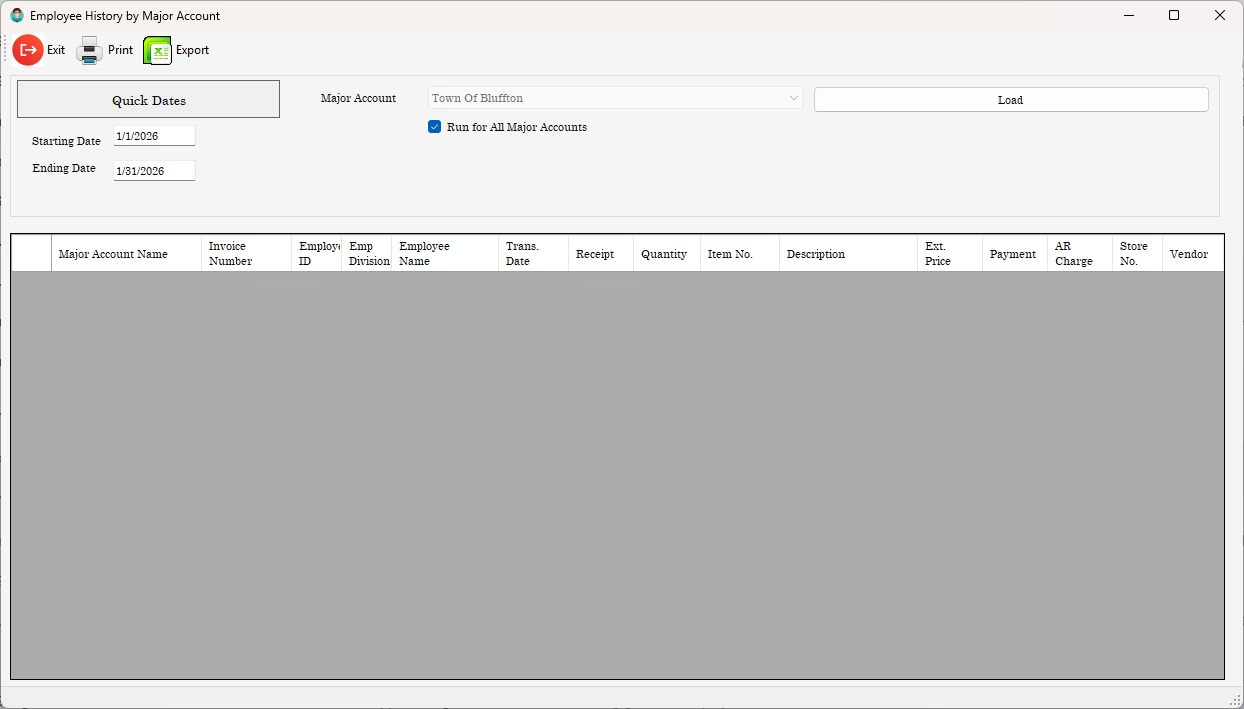
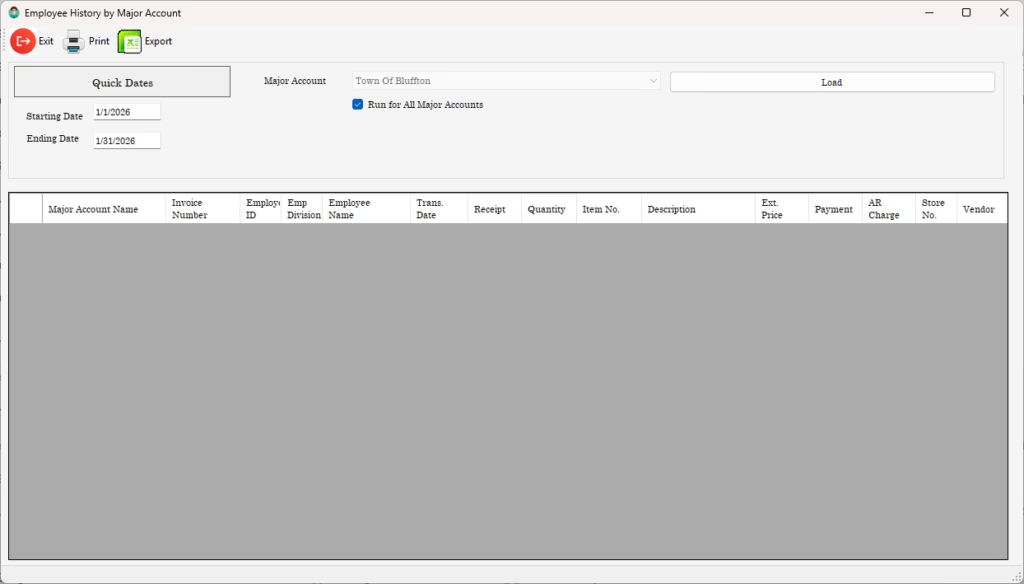
Employee History by Invoice lists each line of activity for a major account over the date range you choose, and it now carries two columns that make reconciliation straightforward: the Major Account Name and the Invoice Number. Every line shows the employee, the transaction date, the item, the extended price, any payment, and the AR charge, all tied to the invoice it belongs to.
At the end of each invoice, the report drops a Total line. That breakpoint sums the quantity, the extended price, the payments, and the AR charges for that invoice, so the figure the employer is being billed sits right there at the bottom of its own group rather than something you have to add up by hand.
Run one account or all of them at once
The report has always let you pick a single major account from the dropdown and pull its history. The update adds a "Run for All Major Accounts" option. Check the box and the account selector steps aside, because you are no longer choosing one. Uncheck it and the selector comes back for single-account runs.
With the box checked, WinSale walks every major account on file and builds the whole picture in one pass. Records group by major account name and then by invoice number, and each invoice still closes with its own Total breakpoint. For a month-end review across an entire book of industrial accounts, that turns what used to be a one-account-at-a-time chore into a single report.
From screen to spreadsheet
Everything the report builds can go straight out to Excel, XLSX, or CSV, so the grouped, totaled view you see on screen is the same view you hand to an accountant or attach to a billing packet. Print the same grouping when a paper copy is what the account expects.
What to look for
- Activity grouped by major account and by invoice number, not just by employee.
- A Total breakpoint at the end of every invoice, summing quantity, price, payments, and AR charges.
- A single run that covers every major account at once for month-end reconciliation.
- Export to Excel or CSV so the grouped totals carry through to billing and accounting.
Want to see how WinSale handles employer-billed account reporting?
Email support@winsale.net or call 843-476-4767.