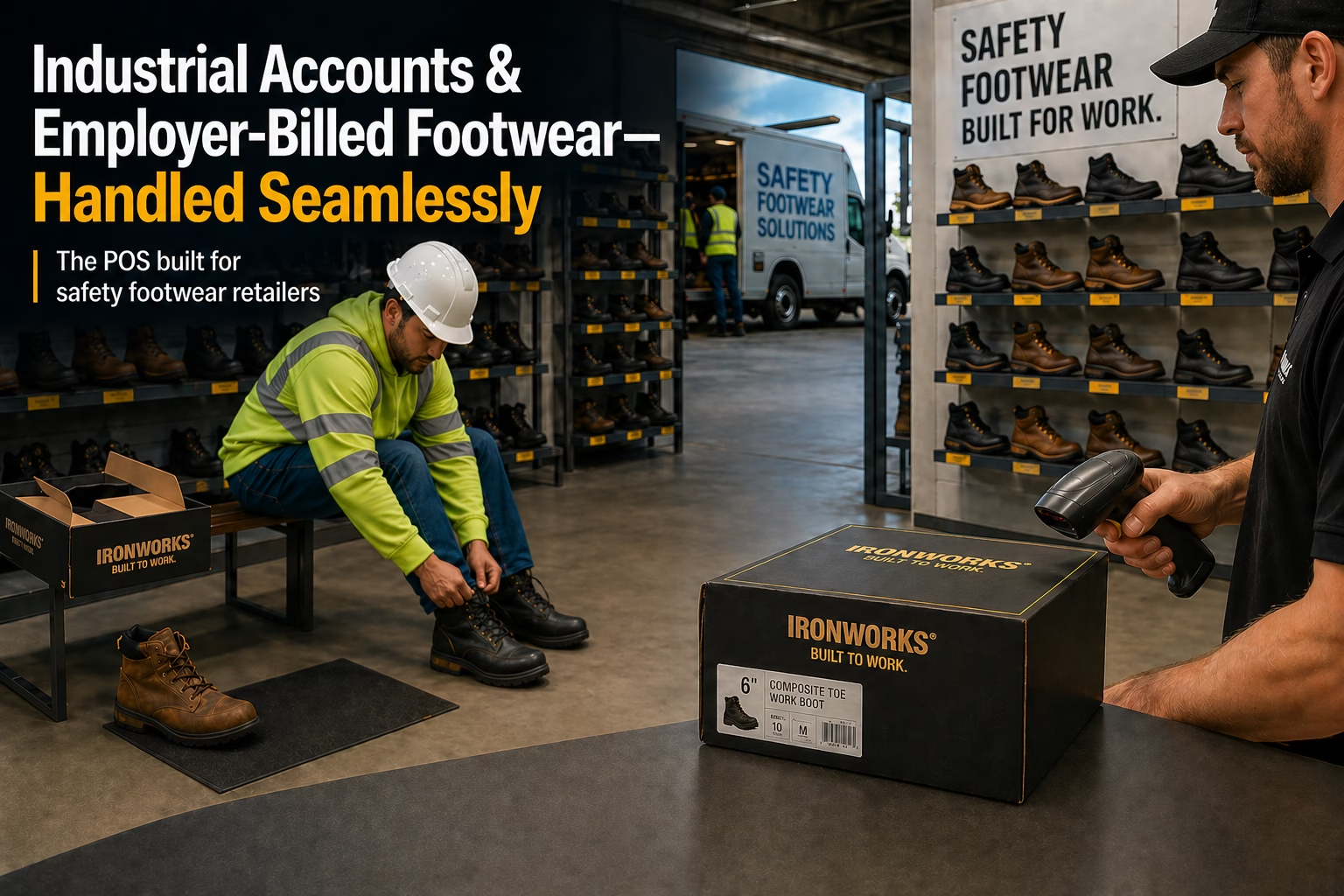
If you sell safety footwear to industrial customers, your business doesn't look like a normal retail operation. You're running two businesses at once: a consumer retail shop on top of a B2B billing operation - and most point-of-sale systems were built only for the first one.
This is why so many safetywear retailers end up with a Frankenstein setup: a generic POS for ringing up cash sales, QuickBooks for invoicing employers, a binder of signed receipts paper-clipped together, and a spreadsheet tracking which employees have used their annual allowance. It works, sort of. Until it doesn't.
This article walks through what an industrial-account safety footwear sale actually looks like, what your POS system needs to do to handle it cleanly, and the specific features to look for (or build workarounds around) when evaluating software.
The shape of an industrial sale
Here's what a typical industrial account sale looks like at a safetywear store, start to finish:
- An industrial customer (let's call them ABC Manufacturing) signs up 200 employees for a safety footwear program. They agree to subsidize $150 per employee per year toward approved safety boots.
- An employee from ABC walks into your store with a voucher (paper or digital) showing their eligibility.
- The employee picks out a pair of Red Wing 2406 boots that retail for $230.
- You ring the sale: $150 gets billed to ABC, $80 gets paid by the employee out of pocket.
- The employee signs a receipt acknowledging they received the boots. You keep that signed receipt as proof for ABC's records.
- At the end of the month, you generate one consolidated invoice for ABC covering all the employees who came in, with all the signed receipts attached as backup.
- ABC pays the invoice (eventually). You track aging, send reminders, charge finance fees if it gets old.
Now multiply that across 30 industrial accounts, each with different subsidy structures, different eligibility rules, different billing cycles, and different paperwork requirements. That's the real job.
What a generic POS can't do
If you've tried running this kind of operation on Square, Shopify POS, Lightspeed, or Clover, you already know the gaps. Here's where they break down:
- No concept of split-payer transactions. Generic POS systems assume one buyer per sale. They have no clean way to bill part of a transaction to one entity (the employer) and collect the rest from another (the employee).
- No subsidy or voucher tracking. "$150 per employee per year" is just a number you write on a sticky note. The POS won't tell you when an employee has used their allowance.
- No B2B invoicing built in. You ring the sale, then re-key it into QuickBooks (or worse, a paper invoice) to bill the employer. Two systems, two chances to make errors, twice the work at month-end.
- No signed receipt management. Receipts are signed on paper, then scanned later, then attached to invoices manually - or just stored in a binder behind the counter, hoping the employer never asks for them.
- No multi-tier subsidy logic. When ABC says "we'll pay up to $180 for department A, then up to $250 for department B, but we also cover department C up to $300, but it has to be steel toe only for C" - good luck explaining that to Square.
The result is that safetywear retailers running generic POS systems spend a meaningful chunk of every month doing manual work that the software should be doing for them: matching receipts to invoices, tracking subsidy balances by hand, reconciling sales between two systems, chasing employers for payment. It's labor that doesn't add value and steals time from selling.
- The kind of feedback we hear regularly from safetywear retailers
What your POS actually needs to handle
Here's the practical checklist. If you're evaluating software (or building workarounds in your current system), these are the capabilities that matter for industrial-account safetywear retail:
1. Multi-tier subsidy structures
Different employers structure their safety footwear programs differently. Some pay a flat dollar amount. Some pay a percentage. Some pay tiered amounts based on the boot category (basic vs. premium). Some have annual allowances per employee, some have one-time vouchers, some have monthly limits.
Your POS needs to support all of these patterns - per account, per program, per employee category. You set up the rules once for each industrial account, and the system applies them automatically at the register without the cashier having to do mental math.
2. Voucher issuance and tracking
Some employers prefer to issue vouchers in advance (a printed slip the employee brings to the store). Others want vouchers issued automatically when an employee is added to the program. Increasingly, employers want digital vouchers - emailed directly to employees - that can be scanned or looked up at the register.
Your POS should handle issuing vouchers, tracking which ones have been redeemed, expiring unused vouchers after a set period, and preventing double-redemption. It should also let the employer see, in real time, which employees have used their vouchers and which haven't.
3. Signed receipt capture and storage
Industrial accounts almost always require a signed receipt as proof that the boots were actually delivered to the employee (not, say, a relative the employee sent in). Your POS needs to capture that signature - on a digital signature pad at the register, or by scanning a printed receipt - and tie it permanently to the transaction.
When you generate the monthly invoice, all the relevant signed receipts should attach automatically as PDFs. No paper-clipping. No manual filing. The employer gets the invoice and all backing documentation in one packet.
4. Consolidated monthly invoicing
You don't want to invoice ABC Manufacturing 47 times in November because 47 of their employees came in. You want to invoice them once, with all 47 transactions on a single invoice, with all 47 signed receipts attached.
Your POS should handle this consolidation automatically. Pick a date range, pick an account, generate the invoice. One click. Email it out as a PDF or print it for mailing.
5. AR aging, finance charges, and statements
B2B customers don't always pay net-30. Some pay on net-60 or even net-90. Some pay when they get around to it. Your POS needs full accounts receivable functionality: aging reports (current, 30, 60, 90, 90+), automatic finance charges on past-due balances, account statements you can send out monthly to remind slow payers.
If your POS doesn't do this and you're using QuickBooks for AR, you're maintaining customer balances in two places - which means they're going to drift out of sync.
6. Per-employee history and reporting
When an employer asks "did Bob from welding actually use his allowance this year?" you need to be able to answer that in 30 seconds, not 30 minutes. Your POS should let you look up any employee on any account and see their full purchase history, remaining allowance, and signed receipt copies - immediately.
7. Mobile shoe truck integration
Many safetywear retailers do half their industrial sales on the customer's site, not in the store. The shoe truck pulls up to ABC Manufacturing's parking lot, sets up shop, and 40 employees come through over the course of a day.
Those sales need to flow into the same system as your in-store sales: same inventory, same accounts, same signed receipts, same monthly invoice. Running the truck on a separate system (or a paper notepad) means duplicate data entry and reconciliation headaches.
What good looks like
Here's what a clean industrial-account workflow looks like in software that was actually built for this:
A typical sale, the way it should work
- Employee walks in with a digital voucher on their phone. Cashier looks up the employee by name.
- System pulls up the employer's subsidy rules and the employee's current allowance balance.
- Employee picks boots. Cashier scans the UPC. System automatically calculates split: $X to the employer, $Y from the employee.
- Employee taps a signature pad. Pays their portion via card or cash. Walks out with boots and a receipt.
- End of month: cashier or owner generates Invoices by choosing dates and account name. All employer invoices generate at once, with signed receipts attached. Email or print.
- Employer pays. AR is updated. Done.
Total cashier time per sale: about the same as a normal cash transaction. Total month-end invoicing time: 15 to 30 minutes for a store with 30 active accounts.
What to ask vendors when evaluating POS software
If you're shopping for new POS software (or asking your current vendor whether they can handle industrial accounts properly), these are the questions that separate real solutions from sales pitches:
- Can I set up a multi-tier subsidy structure on a single account? (e.g., Subsidy 1 up to $180, Subsidy 2 up to $250, Subsidy 3, tax free, steel toe only, up to $300)
- Can I issue digital vouchers?
- Can I capture signed receipts at the register and have them automatically attached to the monthly invoice?
- When I generate the month-end invoice for ABC Manufacturing, does it consolidate all employee purchases automatically with signed receipts as PDF attachments?
- Does the system track per-employee allowance usage and prevent over-redemption automatically?
- Is AR built in - aging, finance charges, statements - or do I have to export to QuickBooks?
- If I run a shoe truck, do those sales flow into the same system as my in-store sales, including industrial billing?
- Can the employer log in to a portal to see their employees' purchase history and remaining allowances?
"We could probably build that as a custom workaround" is not a yes. Either the software handles it natively or it doesn't. If you're going to spend $400 to $850 a month on POS software, it should do the actual job, not give you a half-solution that you have to engineer around.
Why this matters more than it used to
Industrial customers are getting more sophisticated about their safety footwear programs. Five years ago, you could get away with a paper voucher and a handshake. Today, employers want:
- Digital reporting - they want to see in real time who's using their program
- Compliance documentation - signed receipts, allowance tracking, audit trails
- Self-service portals - HR doesn't want to call you to check on employee usage
- Cleaner invoicing - PDFs with attachments, not paper invoices in the mail
Stores that can deliver this professionalism win larger industrial accounts. Stores that can't get displaced by competitors who can - or, worse, by online safety footwear programs that handle the back-end automatically.
The good news is that the technology to do this exists and isn't expensive. Purpose-built safetywear POS software handles all of the above out of the box, for less than what you're probably paying in monthly transaction fees on a generic POS today.
WinSale is point-of-sale software built specifically for independent shoe and safetywear retailers. Learn more about WinSale for safetywear stores or book a demo to see how it handles industrial accounts.